The modern business landscape demands more than just purchasing computers off the shelf. Organizations need strategic partners who understand that computer sales and services represent an interconnected ecosystem designed to support long-term operational success. Whether you're scaling a startup in Manila or managing an established enterprise across the Philippines, the right approach to acquiring and maintaining technology infrastructure directly impacts productivity, security, and bottom-line performance. This comprehensive guide explores how businesses can maximize value through intelligent hardware procurement, service partnerships, and sustainable technology lifecycles.
The technology marketplace has evolved significantly beyond simple transactional relationships. Modern computer sales and services encompass hardware procurement, deployment, ongoing support, maintenance, upgrades, and eventual disposition.
Business buyers now evaluate vendors based on total cost of ownership rather than initial purchase price alone. This shift reflects a deeper understanding that the cheapest laptop today might generate substantial hidden costs through downtime, incompatibility issues, or premature replacement needs.
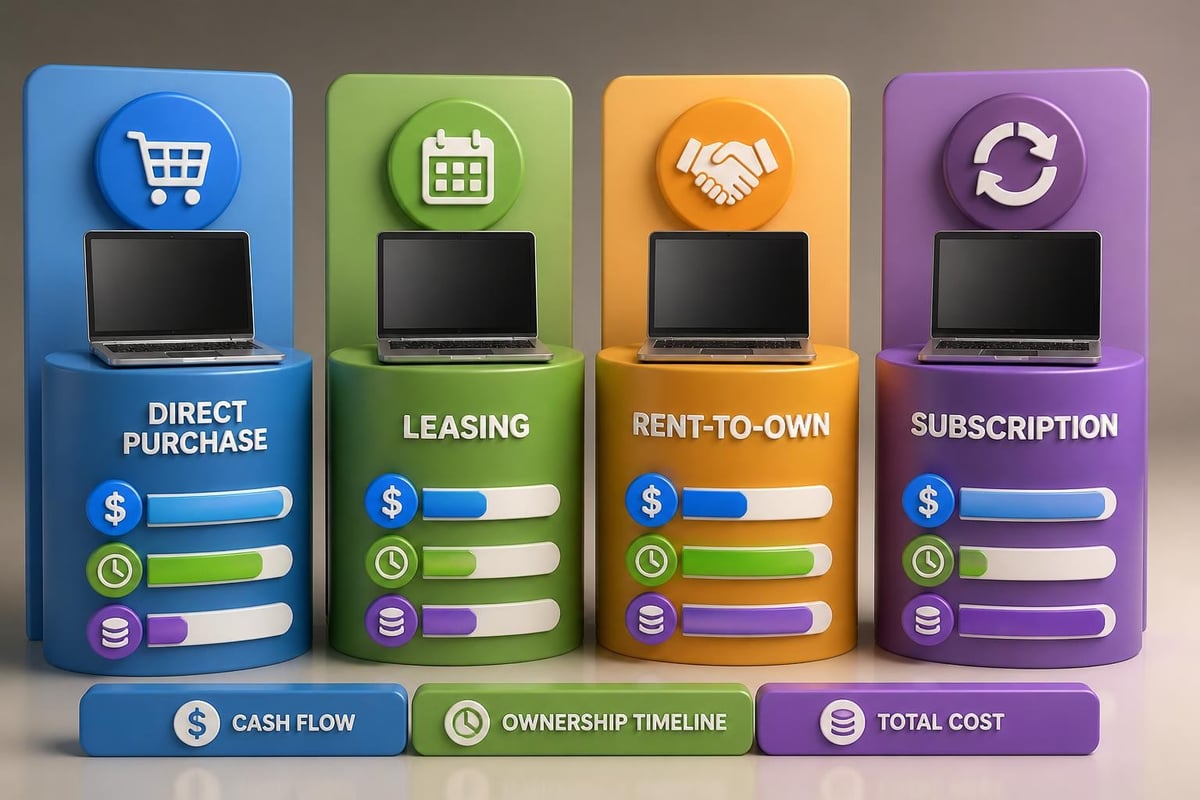
Organizations can choose from several procurement approaches, each offering distinct advantages:
The managed services market continues to expand, driven by organizations seeking to offload IT complexity while maintaining cutting-edge capabilities. For businesses in the Philippines, flexible financing through computer leasing or rent-to-own programs alleviates cash flow pressure while ensuring access to modern equipment.
Comprehensive computer sales and services extend well beyond the initial transaction. Businesses should evaluate vendors based on their ability to deliver:
Pre-sale consultation ensures proper specification matching to workload requirements. A graphic design firm needs substantially different hardware than a call center, yet both require professional assessment to avoid over-provisioning or capability gaps.
Deployment and configuration services transform boxes into productive workstations. Professional setup includes domain integration, security hardening, software installation, and user profile migration, reducing time-to-productivity from days to hours.
Ongoing support represents perhaps the most critical service dimension. When a salesperson's laptop fails during a client presentation, response time directly impacts revenue. Robust support includes help desk access, remote troubleshooting, on-site repair, and hardware replacement protocols.
| Service Component | Business Impact | Evaluation Criteria |
|---|---|---|
| Pre-sale consulting | Optimal specification matching | Technical expertise, industry knowledge |
| Deployment | Faster productivity | Process efficiency, minimal disruption |
| Help desk support | Reduced downtime | Response time, resolution rate |
| On-site service | Critical issue resolution | Geographic coverage, SLA commitments |
| Asset management | Lifecycle optimization | Tracking systems, reporting capabilities |
Choosing the right computers requires balancing performance requirements, budget constraints, and future scalability. Organizations often make costly mistakes by focusing exclusively on specifications without considering broader operational context.
Different business functions demand different hardware capabilities. Administrative staff performing email, spreadsheets, and web research can operate effectively on mid-range systems, while engineers running CAD software or data analysts processing large datasets require workstation-class performance.
Consider these workload categories when planning computer sales and services investments:
The latest PC shipment data shows sustained growth in business computing investment, particularly in emerging markets where digital transformation accelerates organizational modernization. Businesses exploring comprehensive hardware options benefit from vendor-neutral guidance aligned with specific operational needs rather than product-driven sales approaches.
The traditional desktop tower no longer represents the default choice for business computing. Modern options include:
Organizations implementing hybrid work policies particularly benefit from laptop-focused strategies, though desktop computers still offer advantages for stationary roles requiring maximum performance per dollar.
The service dimension of computer sales and services often determines long-term satisfaction more than hardware selection itself. Businesses should evaluate potential partners based on service capabilities, response protocols, and alignment with operational requirements.
Forward-thinking organizations increasingly adopt managed service models where providers assume ongoing responsibility for IT infrastructure health. Rather than calling for help when problems arise, managed service arrangements proactively monitor systems, apply updates, address emerging issues, and optimize performance continuously.
Research on managed service provider operations demonstrates how these partnerships reduce internal IT burden while improving system reliability. For small and medium businesses lacking dedicated IT departments, managed services transform technology from a constant challenge into a strategic advantage.
Typical managed service packages include:
Monitoring and alerting tracks system health metrics, identifying potential failures before they impact users. Hard drive degradation, memory errors, or thermal issues generate alerts prompting preemptive action.
Patch management ensures operating systems and applications remain current with security updates and feature improvements, reducing vulnerability exposure without burdening internal staff.
Remote support resolves many issues without technician dispatch, reducing resolution time and service costs while maintaining productivity.
Strategic planning helps align technology investments with business objectives, ensuring IT spending generates measurable return rather than simply maintaining status quo.
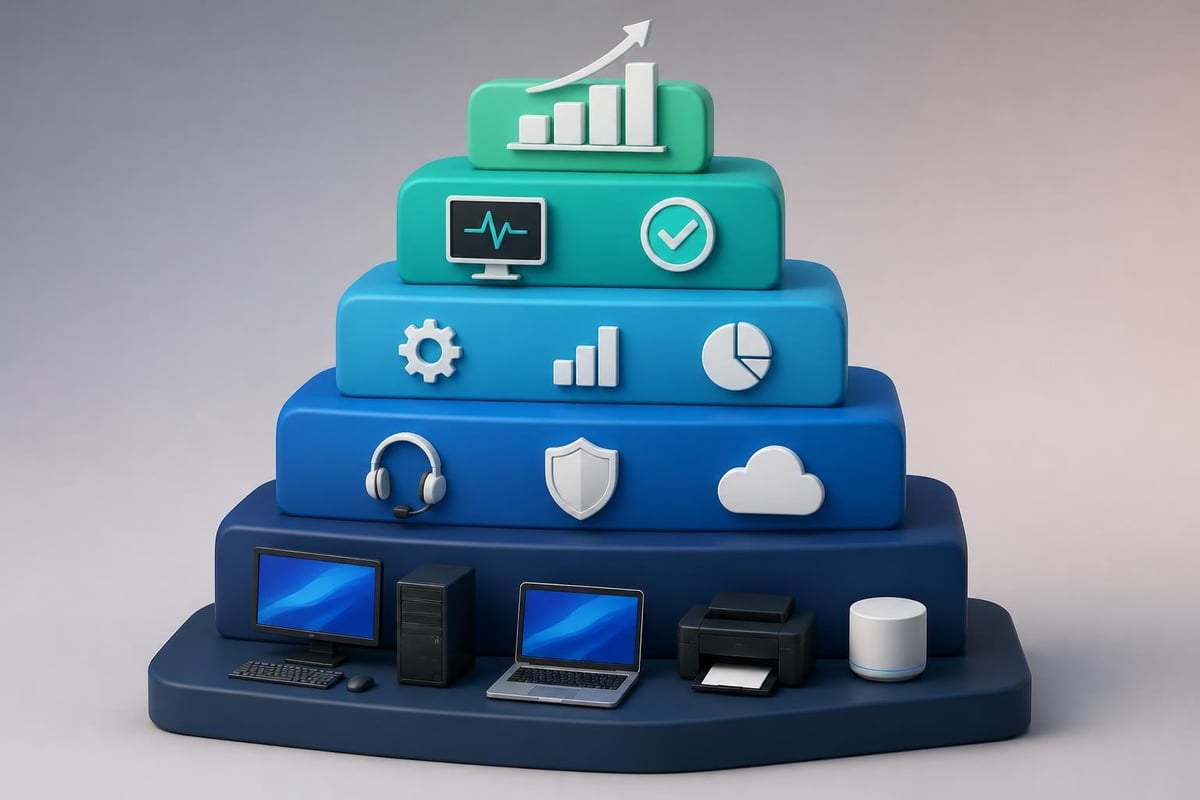
Professional computer sales and services partnerships formalize expectations through service level agreements (SLAs) defining response times, resolution commitments, and performance guarantees.
Critical SLA components include:
| Priority Level | Response Target | Resolution Target | Example Scenarios |
|---|---|---|---|
| Critical | 15 minutes | 4 hours | Complete system failure, network outage |
| High | 1 hour | 8 hours | Individual workstation failure, printer issues |
| Medium | 4 hours | 24 hours | Performance degradation, software glitches |
| Low | 8 hours | 72 hours | Enhancement requests, minor inconveniences |
Businesses evaluating computer sales and services providers should request sample SLAs and reference checks from existing customers to verify actual performance against contractual commitments.
Purchase price represents just one component of technology spending. Sophisticated organizations evaluate total cost of ownership (TCO) encompassing acquisition, operation, support, and eventual disposal expenses.
Beyond the invoice amount, computers generate ongoing expenses that significantly impact TCO:
Energy consumption varies substantially across systems, with efficient models saving hundreds of dollars annually in electricity costs across a fleet of machines. ENERGY STAR certification provides objective efficiency benchmarks.
Support labor includes both vendor-provided services and internal IT staff time. Unreliable hardware generating frequent support tickets multiplies costs through technician time and user productivity losses.
Software licensing often exceeds hardware costs, particularly for professional applications. Careful planning ensures license counts match actual usage without excess inventory.
Upgrade and expansion requirements emerge as business needs evolve. Systems with limited upgrade paths force premature replacement, while modular designs extend useful life through incremental improvements.
Security and compliance measures protect against data breaches and regulatory violations. Businesses handling sensitive information must factor encryption capabilities, security chip requirements, and compliance certification into acquisition decisions.
Strategic computer sales and services relationships incorporate comprehensive lifecycle management optimizing value extraction across equipment lifespan:
According to the Global E-waste Monitor, electronic waste continues growing faster than recycling capacity, highlighting the importance of responsible disposal practices. Businesses should partner with providers committed to certified recycling and data security standards.
Environmental responsibility and business efficiency increasingly converge in computer sales and services strategies. Sustainable practices reduce environmental impact while often lowering operational costs.
Maximizing useful equipment life reduces both environmental footprint and replacement costs. Strategies include:
Proper specification prevents premature obsolescence by ensuring adequate capability headroom for evolving workloads. Buying slightly above current needs extends replacement cycles.
Regular maintenance keeps systems running optimally. Dust accumulation, thermal paste degradation, and driver updates affect performance and reliability over time.
Component upgrades extend life economically. Adding memory, replacing spinning hard drives with SSDs, or upgrading wireless cards refreshes capabilities at fraction of replacement cost.
Refurbishment programs give older equipment productive second lives in less demanding roles. Yesterday's engineering workstation serves admirably as today's administrative desktop.
When equipment reaches end-of-life, proper disposition protects both environment and data security. Professional computer sales and services providers implement certified processes ensuring:
The e-Stewards Standard establishes industry-leading practices for ethical electronics recycling, providing businesses confidence in disposal processes. Organizations should verify their service providers follow certified methodologies rather than simply hauling equipment to unknown destinations.
Additional guidance from the EPA’s electronics stewardship program helps organizations develop comprehensive end-of-life strategies protecting environmental and data security simultaneously.

Selecting computer sales and services providers represents a strategic decision with long-term implications. Organizations should evaluate potential partners across multiple dimensions beyond pricing.
Technical expertise ensures recommendations align with genuine business needs rather than inventory priorities. Vendors should demonstrate understanding of your industry, workflow requirements, and growth trajectory.
Service capabilities matter more than product catalogs. Can the provider deliver timely on-site support across your locations? Do they offer after-hours emergency response? What monitoring and management tools do they employ?
Financial flexibility accommodates various budget and cash flow situations. Organizations benefit from providers offering multiple acquisition models from direct purchase through flexible leasing programs matching financial preferences.
Inventory and availability prevent delays when adding staff or replacing failed equipment. Providers maintaining adequate stock and strong vendor relationships deliver faster fulfillment than those ordering everything on-demand.
Strategic alignment creates partnership value beyond transactional efficiency. Providers investing in understanding your business can offer proactive recommendations anticipating needs rather than simply responding to requests.
Successful computer sales and services relationships require mutual commitment and clear communication:
Market analysis from Statista’s managed services research demonstrates how organizations increasingly value partnership depth over transactional pricing, recognizing that superior service delivers greater long-term value.
While standard business desktops and laptops form the foundation of most deployments, specific roles and functions require specialized computing equipment available through comprehensive computer sales and services providers.
Organizations operating on-premise applications or data storage require server systems delivering enterprise-class reliability, scalability, and management capabilities. Server selection involves:
Workload analysis: Understanding concurrent users, data processing requirements, and application demands
Redundancy planning: Incorporating backup power, redundant storage, and failover capabilities
Growth accommodation: Ensuring expansion capacity as business scales
Management integration: Compatible monitoring and administration tools
Professional server deployments include environmental controls, backup systems, and security measures protecting critical business data and applications.
Protecting business networks from external threats requires specialized security appliances managing traffic, filtering threats, and enforcing access policies. Network firewall solutions combine multiple security functions in dedicated hardware platforms.
Essential capabilities include:
Modern businesses depend on reliable wireless connectivity for laptops, tablets, smartphones, and IoT devices. Professional-grade wireless access points deliver superior performance, coverage, and management compared to consumer equipment.
Wi-Fi infrastructure considerations include coverage area, user density, bandwidth requirements, roaming support, and security protocols. Businesses benefit from unified management platforms controlling multiple access points centrally.
Complete workstation deployments extend beyond computers themselves to include displays, keyboards, pointing devices, headsets, and connectivity accessories. Organizations supporting hybrid work particularly value equipment like professional headsets designed specifically for video conferencing and collaboration.
Quality peripherals impact productivity and user satisfaction substantially. Professional-grade equipment withstands heavy use while delivering superior ergonomics and functionality compared to budget alternatives.
Knowing when to replace equipment optimizes both performance and costs. Organizations maintaining computers too long sacrifice productivity through slow performance and increased failure rates, while replacing too frequently wastes capital on unnecessary upgrades.
Several factors signal optimal replacement timing:
Performance degradation: Systems struggling with current workloads despite maintenance and upgrades
Support obsolescence: Manufacturers ending support for operating systems or hardware
Repair frequency: Increasing failure rates generating excessive support costs
Technology gaps: Missing capabilities required for new business initiatives
Financial optimization: Lease-end timing or depreciation schedule completion
Typical refresh cycles range from three to five years depending on workload intensity, with demanding users requiring more frequent updates than basic productivity workers.
Rather than wholesale fleet replacement, sophisticated organizations implement rolling refresh programs replacing portions of inventory systematically:
Staged approaches spread costs across multiple budget cycles while maintaining relatively current equipment fleet-wide.
Organizations operating in the Philippines face specific considerations when implementing computer sales and services strategies.
Tropical conditions affect computer reliability and lifespan. High humidity, temperature fluctuations, and dust accumulation require:
Professional providers understand regional requirements and specify equipment appropriately.
Variable power quality in some areas necessitates protective equipment preventing damage from surges, sags, and outages. Uninterruptible power supplies (UPS) protect sensitive equipment while providing graceful shutdown capability during extended outages.
Geographic dispersion across islands creates service delivery challenges. Organizations should verify provider capability to deliver support across all locations rather than assuming metropolitan coverage extends nationwide.
Lead times for specialized equipment may exceed those in larger markets. Planning procurement well ahead of deployment dates prevents delays. Working with providers maintaining local inventory accelerates fulfillment for common configurations.
Strategic computer sales and services partnerships deliver far more value than simple hardware transactions by combining optimal equipment selection with comprehensive lifecycle support and sustainable practices. Whether your organization needs flexible leasing options, professional deployment services, ongoing managed support, or strategic technology planning, REDCHIP IT SOLUTIONS INC. provides the expertise and commitment to help Philippine businesses reduce downtime, enhance productivity, and achieve measurable technology ROI. Contact our team today to discuss how we can support your specific requirements with tailored solutions matching your operational needs and budget parameters.